Replace 'Categories' menu section with 'Folders' + Add Transaction Description

I'd like to see a 'Folders' section on the menu bar instead of Categories.
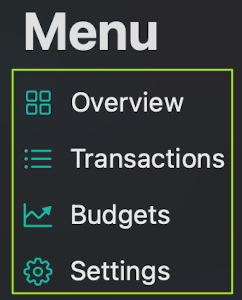
Where when clicked, it shows all the categories, and with a dropdown arrow, but when the category is pressed on, it shows all the transaction for the category.
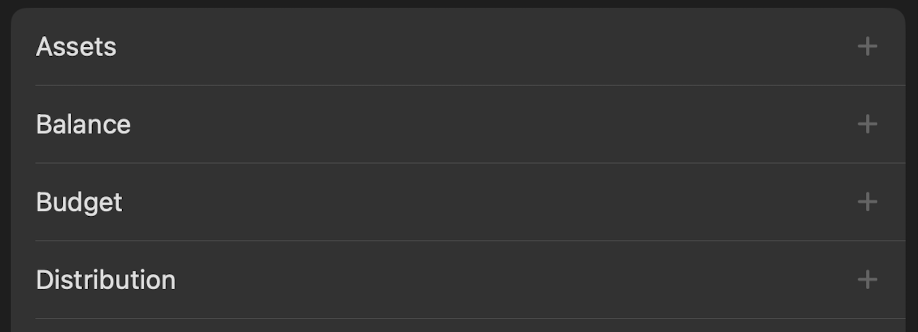
(Here's a dookie photoshop prototype I did to better visualize what I mean):
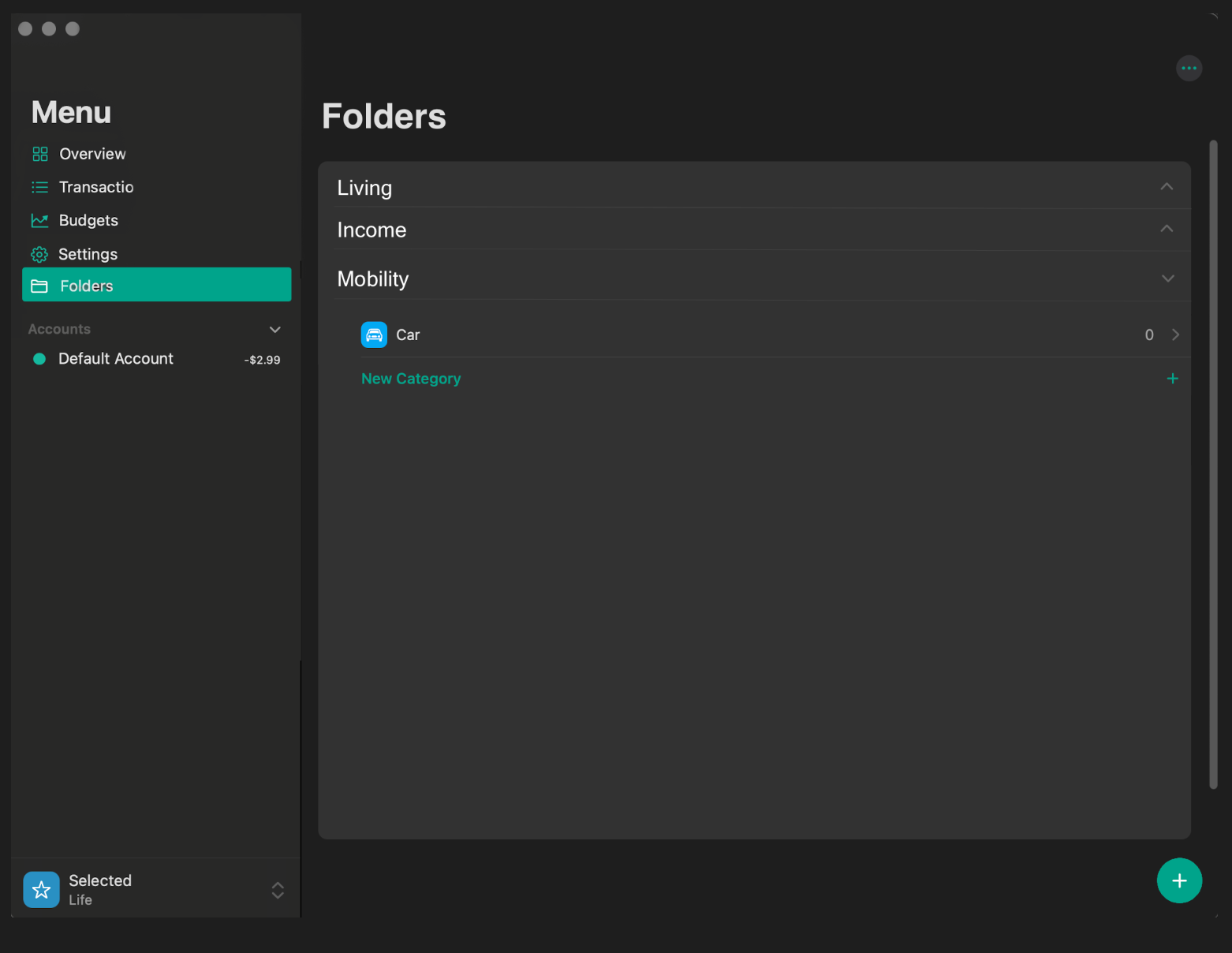
Or something of the sort, however you wish to implement it.
I'm suggesting this because the Folders feature is nice to have, but seems kind of lackluster if it only separates the categories behind the scenes, but isn't really shown outside of when adding a category to a transaction.
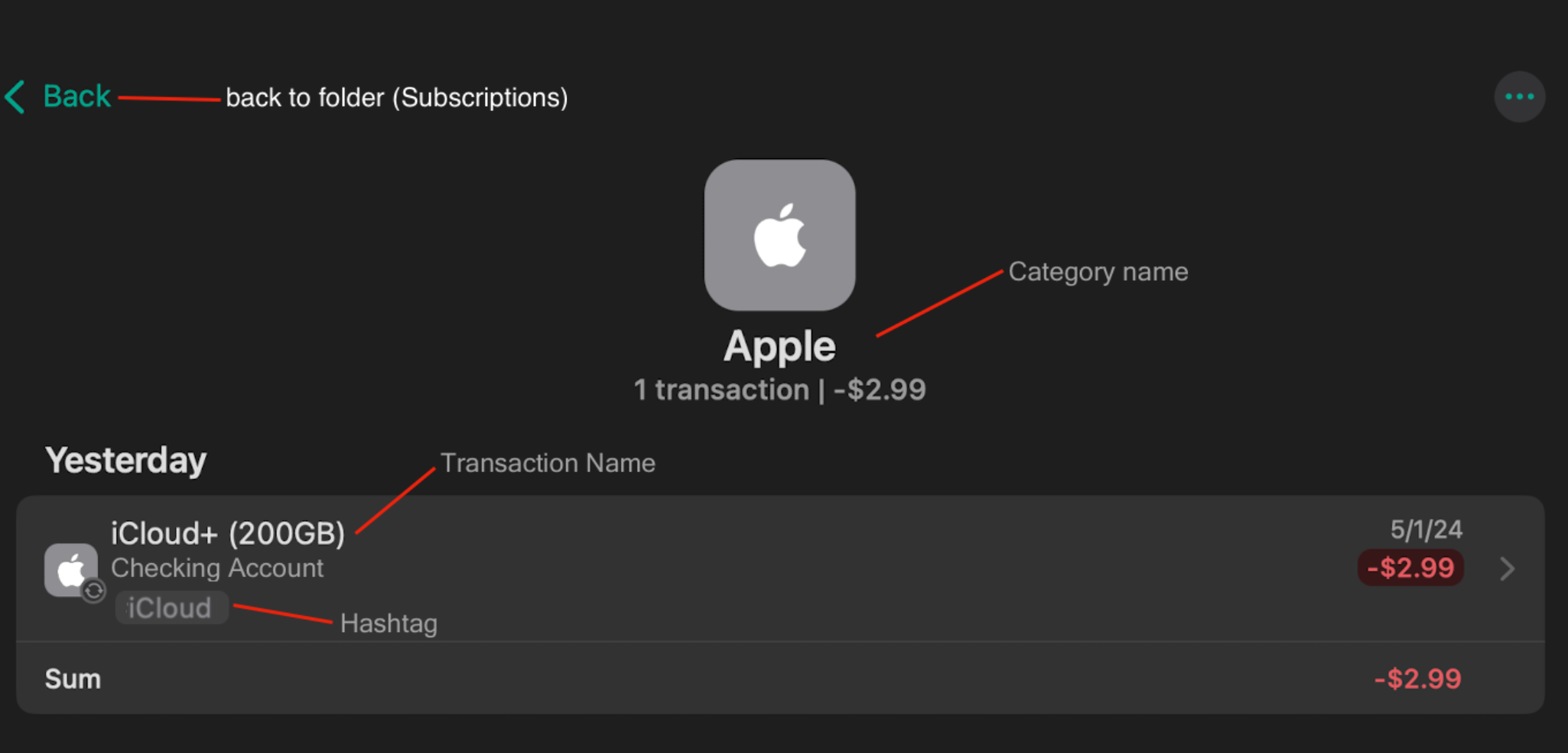
Also, the reiteration of the category's name when you're in the category tab already is twice enough (red selections). Instead of the Categories name for the transaction (blue selection), maybe have the transaction's name (user set), instead? and for the green selection, change "Default Account" to "[Account name] Account" and removing the hashtag symbol from the Hashtag's name?
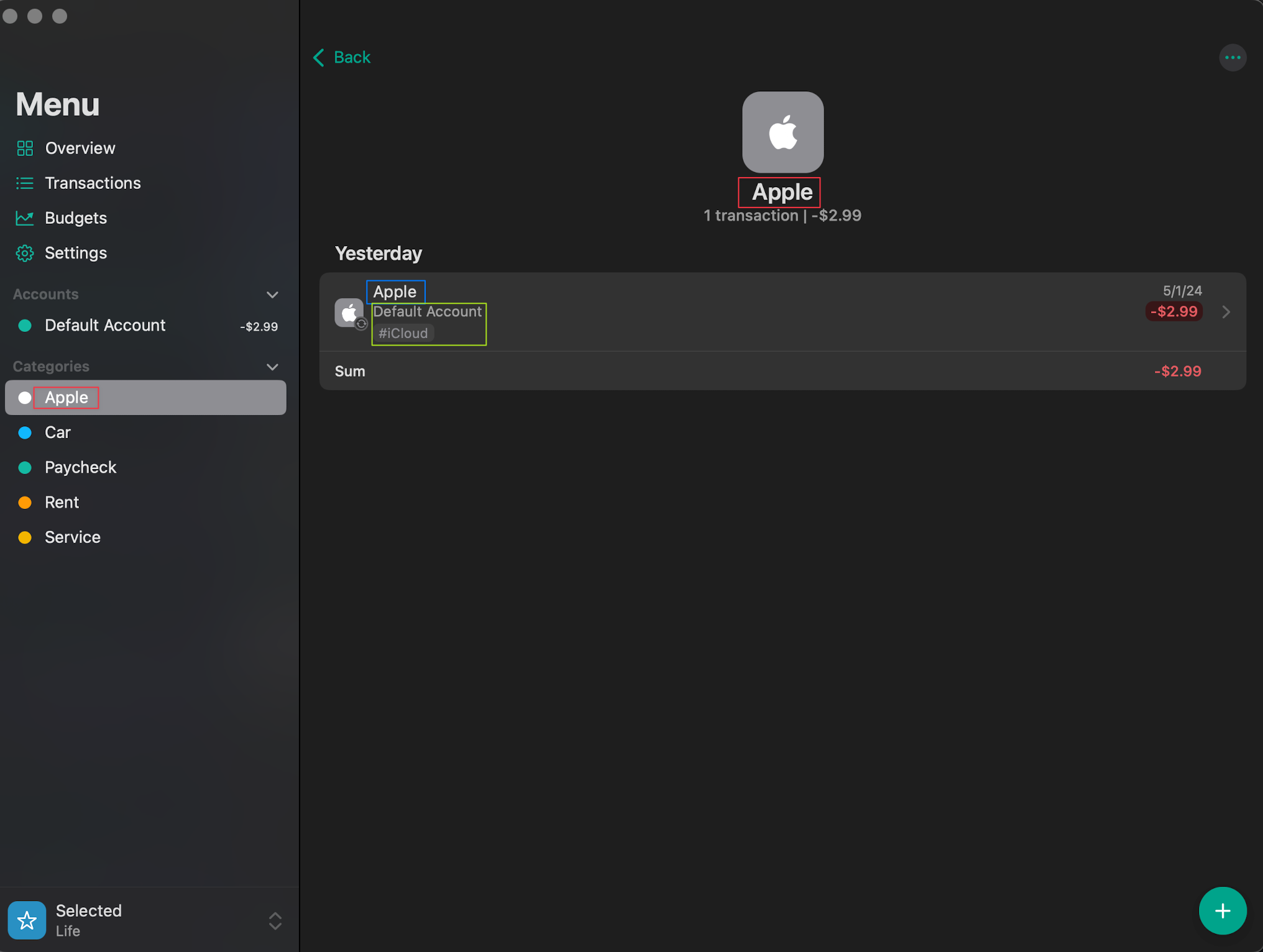
Here's another photoshop of what I'm describing:
Log in to comment and vote
Comments7
Birosca
May 25
Hi! I wanted something similar, and the grouping is very helpful! Now, to further enhance it, I suggest to add analysis/overview for whole groups of categories, for example: If a have a group called “car” with categories “anual tax”, “fuel”, and “maintenance”, I’d like to see an analysis of my spending for everything under “car”. Please forgive me if it already exists in the app, I’m just getting started here. Thank you!
Fabian
May 6, 2024
Hi @Hidlsh, good idea. However, there was a similar suggestion some time ago which I then implemented in an update. Since then, the categories in the sidebar can also be grouped by folders. You can find the corresponding setting in the "Advanced Settings" under "Sidebar" => "Group Categories in Sidebar". Does this already help you? :)
Hidlsh
May 5, 2024
Bump
Hidlsh
May 3, 2024
Random question btw, how do I change this posts's tag to "Feature Request"? lol idk
Fabian
May 6, 2024
Hi @Hidlsh, you can find the tags on the right-hand side of the post (under the upvotes). However, it may be that only I can change them. But I have now set them accordingly :)