Widgets broken in 1.2.2.

Hi!
After updating to 1.2.2 all widgets showed “Full version required” even though it was purchased and worked previously.
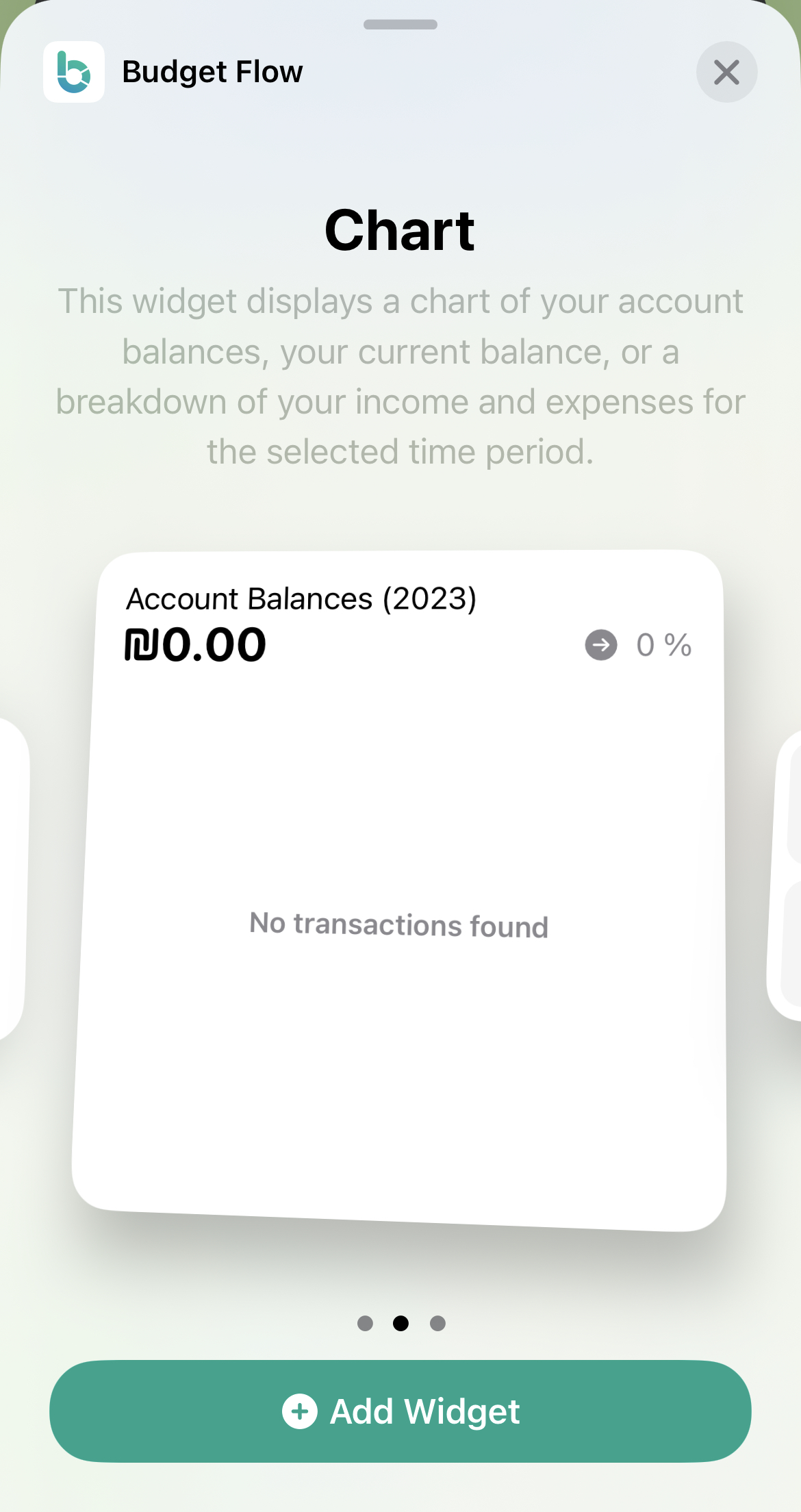
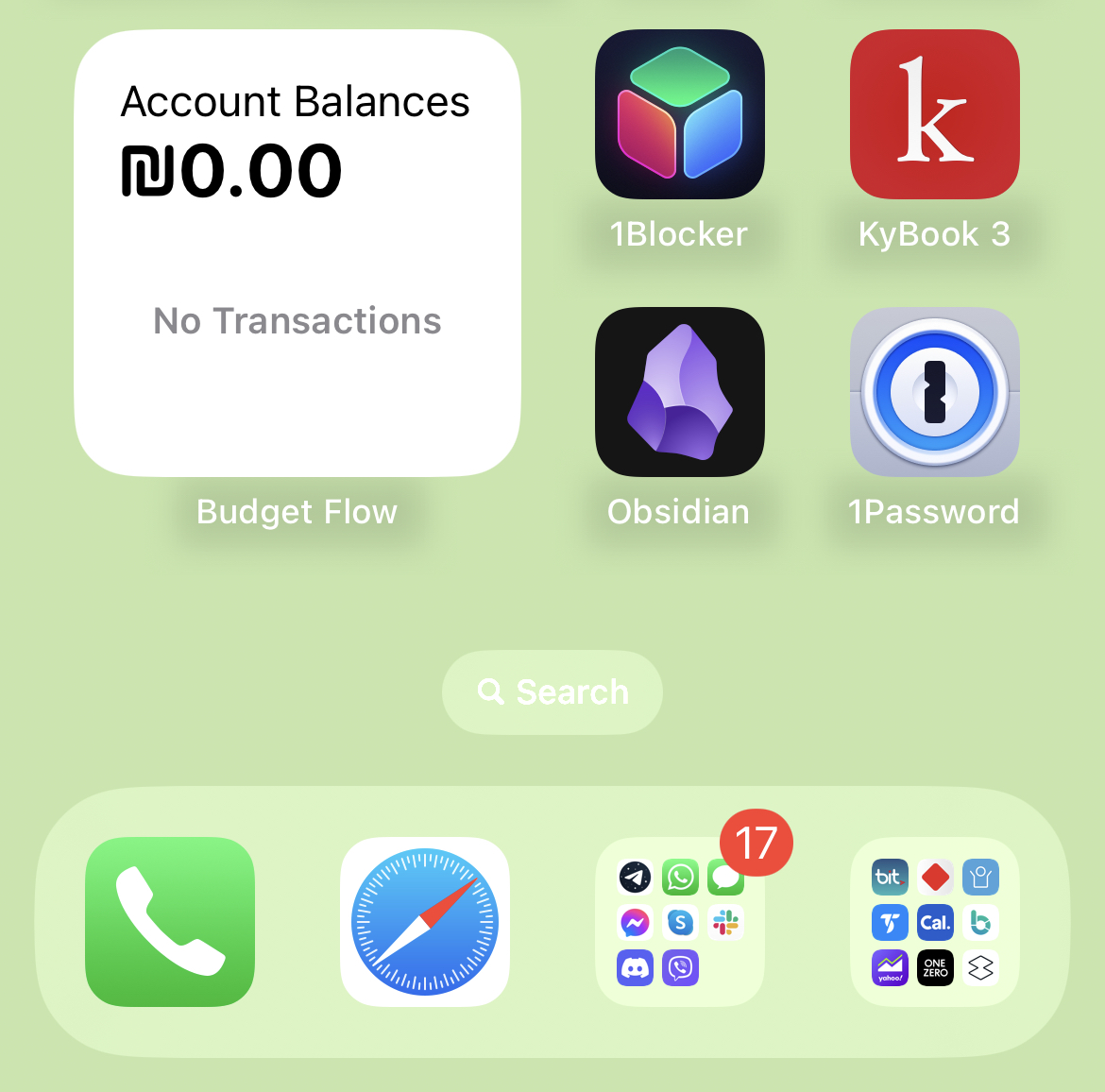
After removing and adding the widget to the screen, “no transactions” message is shown.
Is there a way to fix this from inside the app?
With many thanks in advance.
Log in to comment and vote
Comments2
Fabian
Aug 16, 2023
Hi Sergiy,
In general, the widgets should work correctly after the update, especially since I didn't make any changes to the data model or the widgets. However, in some cases the widgets seem not to be updated properly by the operating system, so the data is not displayed. I think there are two things you can try to reload the widget data: One the one hand, you can long press on the widget and, for example, change the displayed time period. On the other hand, sometimes it helps to restart the device so that the widgets are reloaded. Please try this and let me know if it works.
Kind regards
Fabian
SergiyHoref
Aug 16, 2023
HI Fabian,
Yes, thank you! It did fix the problem.
I had supposed that nothing should have changed in terms of widget handling, so soft-rebooted the phone straight away. For some reason it didn't fix the problem and I wrote the report.
Now I had removed the widget and soft-rebooted the phone again. It resulted in the widget being placed in the same spot before removal, and everything working property. So it was some system's bug after all.
(A truly wonderful world of software bugs :) )
Thanks for the help!